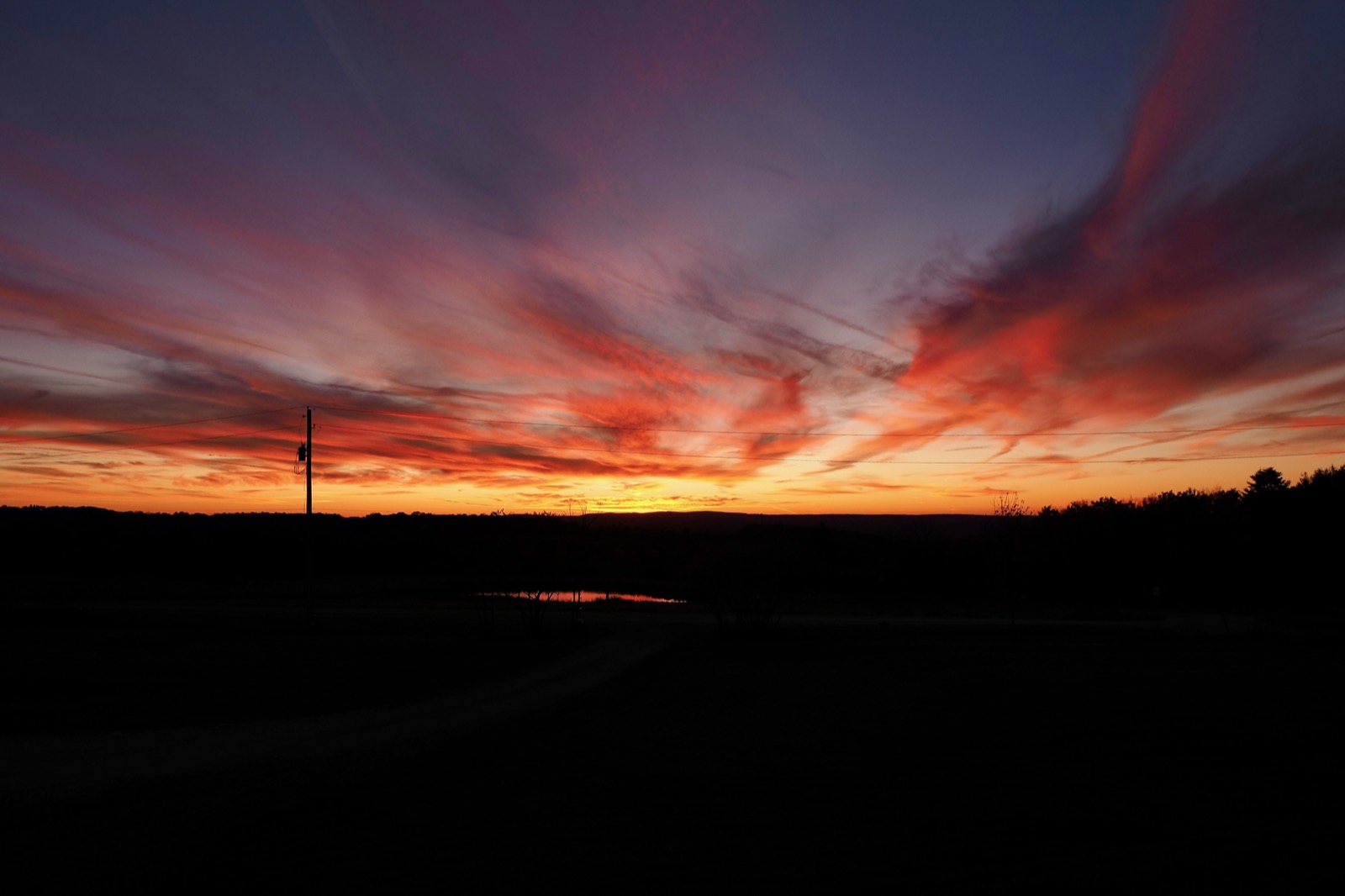
Sunset 10-23-26
06:20 Saturday, 24 October 2026
Current Wx: Temp: 34.99°F Pressure: 1032hPa Humidity: 88% Wind: 4.14mphWords: 805
Early voting begins today, so that's what we'll do.
I'm down about 11 pounds since I began using Zepbound. The rate of weight loss has decreased, but I think that's normal as my body adapts to the medication. I still "feel" the effect though. Decreased appetite, feeling "full" sooner. No cravings, though I will eat cookies and cake when they're in front of me, and I still enjoy them.
So I think part of the effort for the next couple of months will be to avoid cookies and cake. (We had a book club meeting on Thursday and there was a plate of cookies right in front of me! And yesterday Mitzi baked a cake for one of the guys who's been working on the house.) More importantly I'm trying to use this opportunity to try and re-train myself in how I approach meals.
When Mitzi and I went out to dinner for our anniversary, we split a steak entree. Since I can't eat as much, I tried to focus on the experience, mainly the one that was going on in my mouth, paying more attention to the flavors and the textures. This had the effect of slowing my intake. Normally, I eat pretty quickly. I don't know why, or how I developed that habit. Mitzi has often remarked about it.
I'm trying to carry that forward with each meal now, with the hope that when I eventually, perhaps, go off this medication, I will be accustomed to enjoying my food and not eating such large portions.
The house is making progress, but HVAC remains the bane of my existence. We had difficulty finding a contractor to install the system we designed with Energy Vanguard, eventually getting one who appeared willing to take on the work.
In anticipation of them doing the work, I had all the equipment I ordered delivered to their shop because the shipper would not deliver to a residential address. They needed a loading dock to offload it. I suppose I could have told them we have a skid-steer that has pallet forks and we could probably pick it up off the truck ourselves.
At any rate, the contractor finally got around to giving us a quote for the install and I nearly had a stroke. $50K just to do the install. We've already paid about $22K for the equipment. I expected the install to come in somewhere around $20-25K.
I was shocked. I sent the quote to our engineer in Atlanta and asked him if he thought it was high, and while he wasn't familiar with labor rates in our area, he said it did seem unreasonably high. The guy who owns the timber frame company was here the other day, looking over the assembly work. He builds homes in the area, and I asked him if he thought it was unreasonable, and he agreed. I asked him for a recommendation of an HVAC company, and without missing a beat he recommended a company we had already approached.
I'd called them on Wednesday after I'd sent them some documentation about the design and the scope of work and asked for a quote. The last time I'd emailed them the Manual J calculations in July, I never heard back from them. Yesterday I called and left a voicemail, asking if they're received the email. They replied last night that they weren't interested in the job.
I don't know if it's because we'd already had the system designed and purchased, and they didn't want to be on the hook for servicing an install they didn't design or what. They didn't say in their email. Just, "Sorry, not interested."
There was another company that we'd spoken to back in June, and I reached out to them as well. Again, no response.
I'd asked both of those companies to use the Manual J calculations and design a system around an air-to-water heat pump, and neither replied, not even to say they weren't interested, after telling us they were interested.
So now I've got to go collect all of our equipment, which has been delivered to the company that's trying to rape us, and I've got to find another installer.
The only genuinely bad experience we've had with this project has been with finding an HVAC contractor. We had some difficulties with the design firm and the architect, but they were resolved quickly and we didn't have to continue working with them once their work was completed. And it's been a little frustrating deciding on materials and colors and so on for roofing and siding. But this HVAC thing has been a pain in my ass that has cost me sleep.
Eventually we'll figure something out, but I did not anticipate this level of difficulty.
Anyway, the beat goes on...
✍️ Reply by email